How this works
Pick your items and check out. We'll open Epic Games in a new tab so you can sign in.
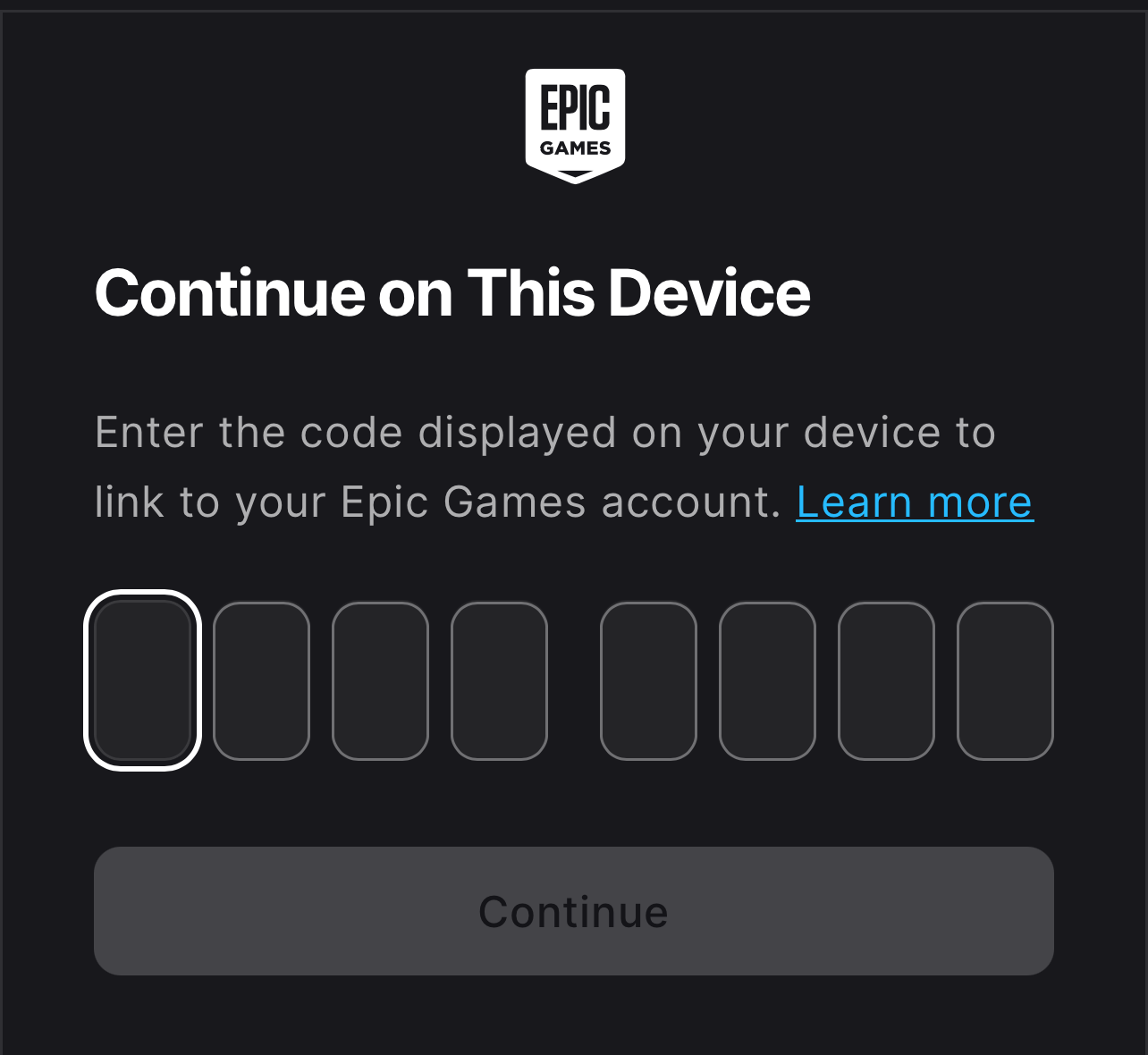
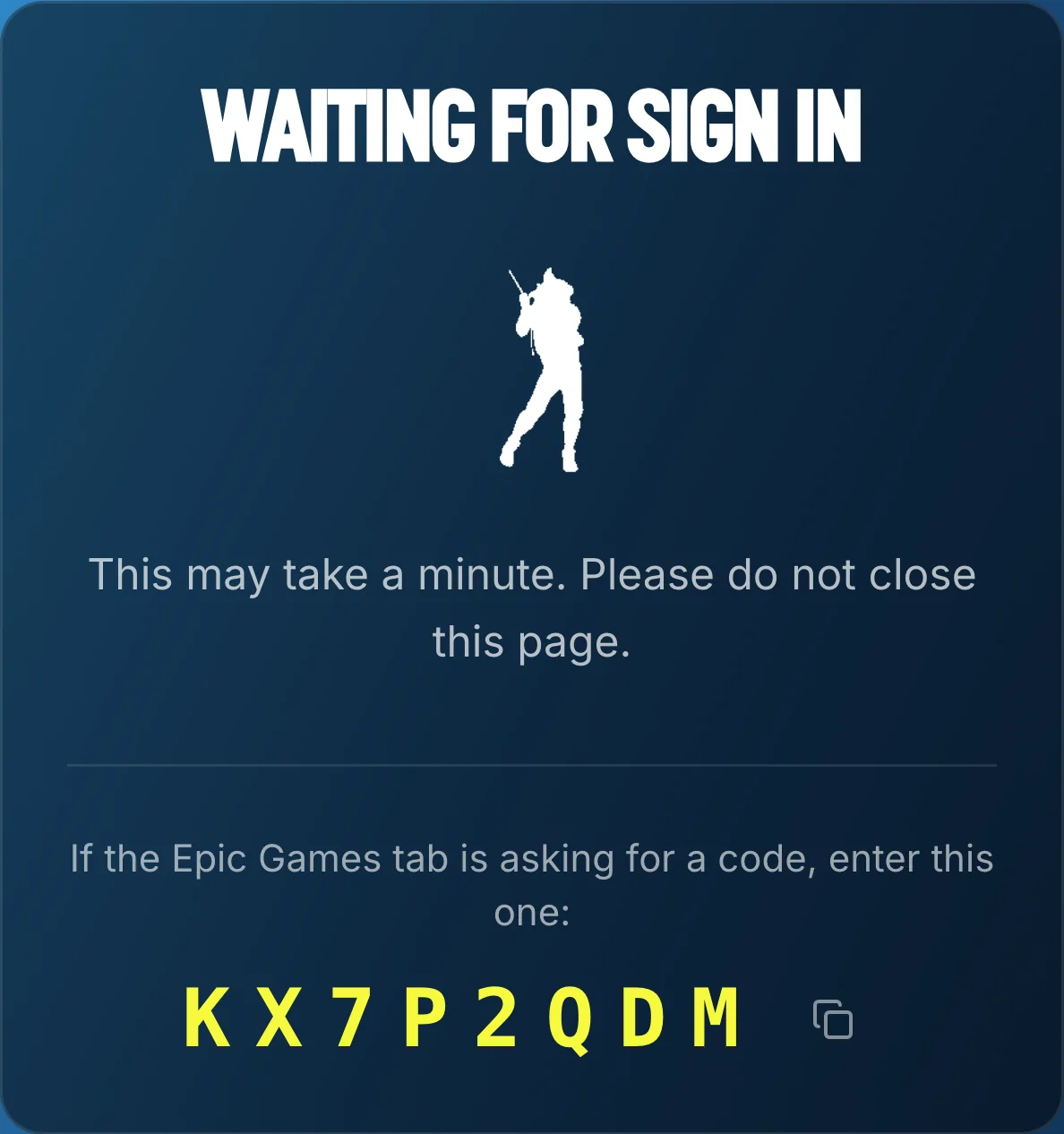
If Epic asks for a code, you'll find it on our page.
We only ask you to sign in so that we can send a friend request from your account to our delivery accounts. We have a lot of delivery accounts and we do this so you don't have to manually add each one.
Why should I trust you?
We get it. There are lots of scammers around. Here's how you know we are not one of them:
We're partnered with DamnModz.
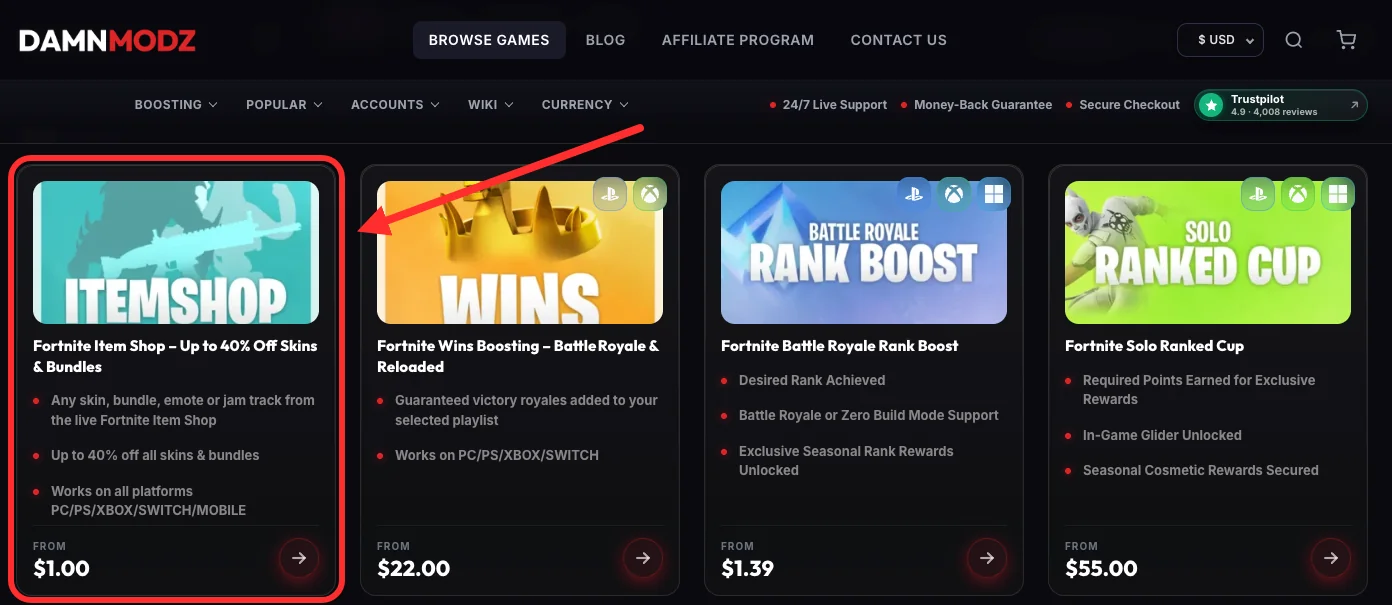
You can check out their reviews here.
Still don't trust us?
That's okay, we know you will after your first order.
Click “I do not want to sign in with my Epic account” on the checkout page. We'll ask for your Fortnite username and send you a friend request from our gifting account.
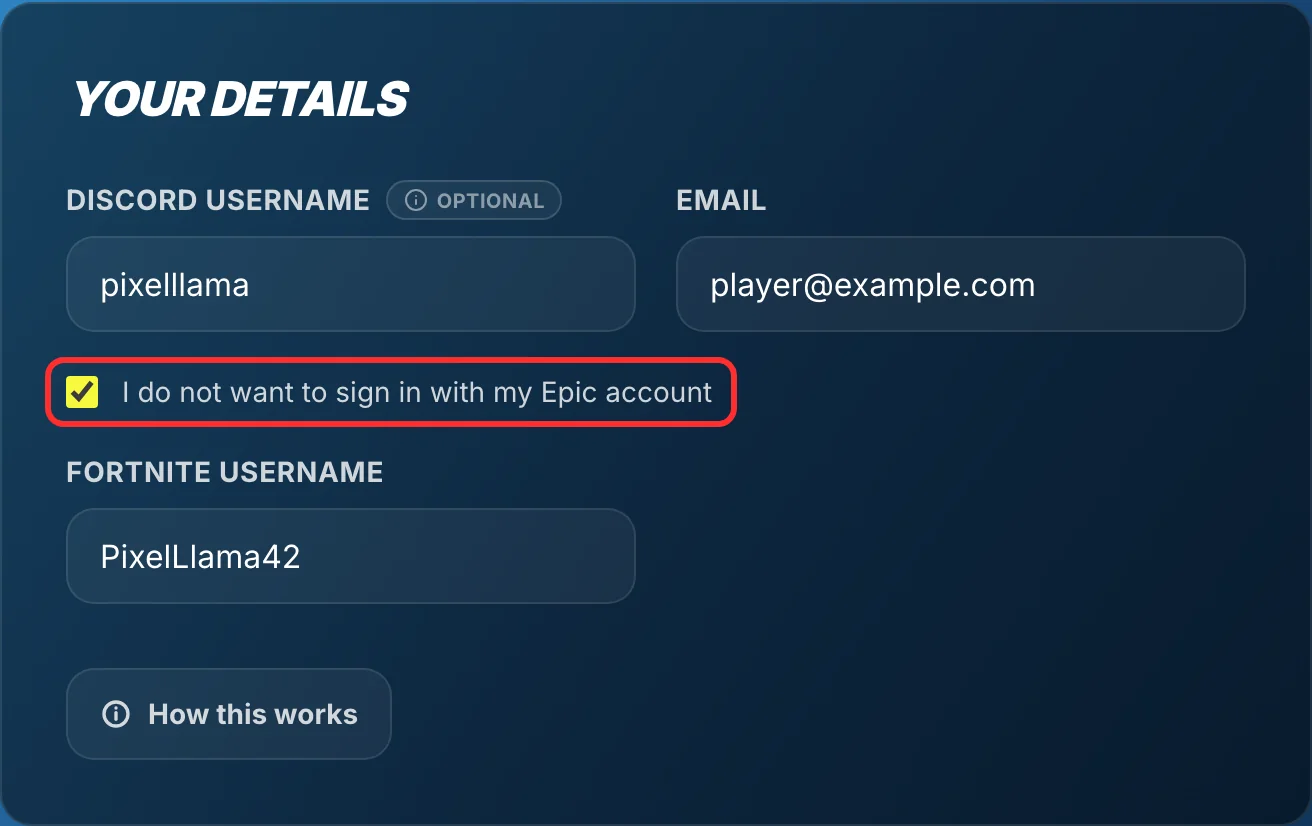
Note: accept the friend request as soon as it arrives. The 48-hour wait only starts once you do.
Contact us
Still have questions? Contact us. We respond within minutes. Seriously.